IMEI FAQ

Frequently asked questions about IMEI numbers

Simple answers for finding your IMEI, understanding device identifiers and preparing a phone for lookup, resale, repair or carrier support.

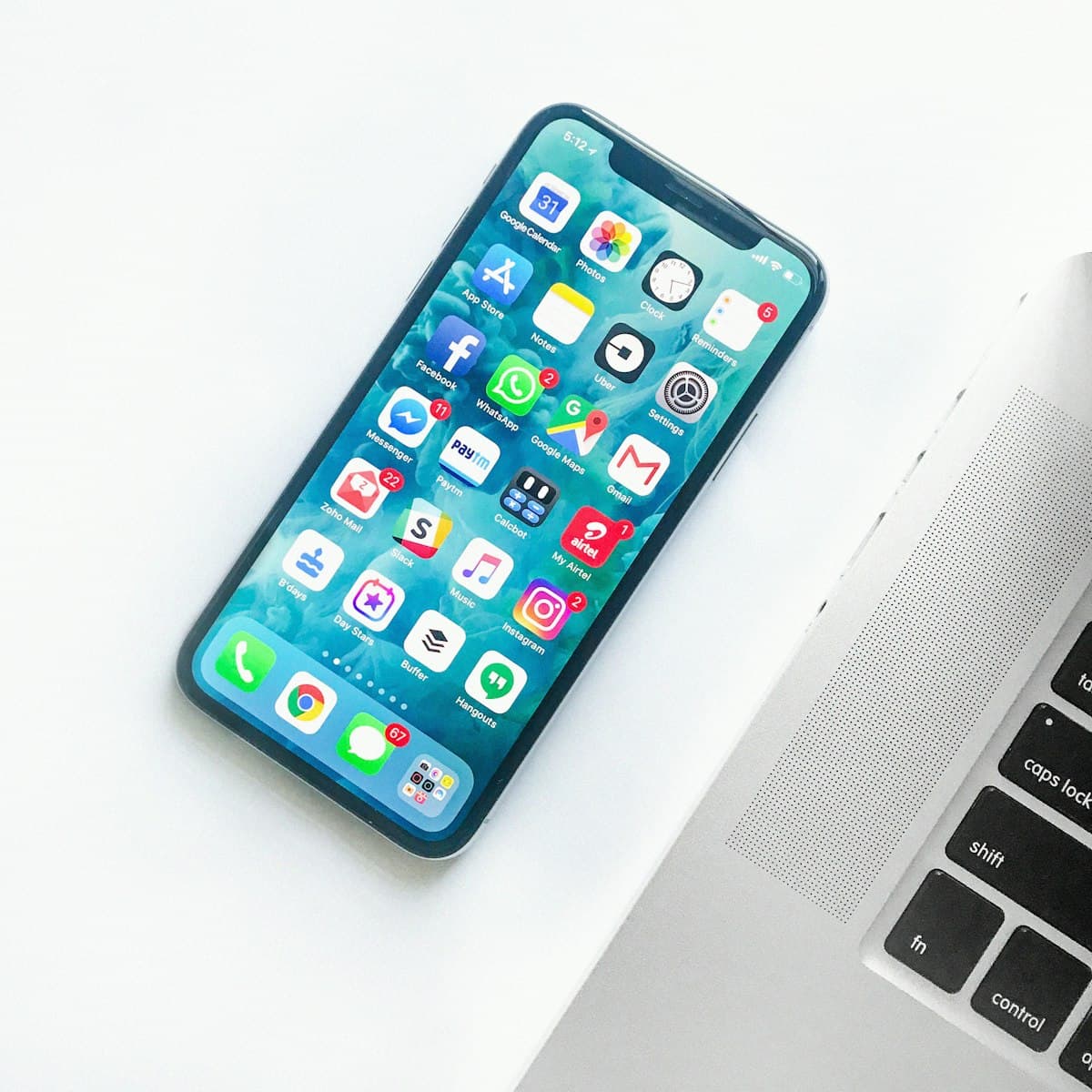
Smartphone on a desk representing a device identifier

What is an IMEI number?

IMEI stands for International Mobile Equipment Identity. It is usually a 15-digit number assigned to a cellular device, such as a smartphone, tablet with mobile data or LTE modem.

The IMEI helps identify the device hardware. It is different from your phone number, SIM card number and account login.

Phone dial screen used to enter a short code

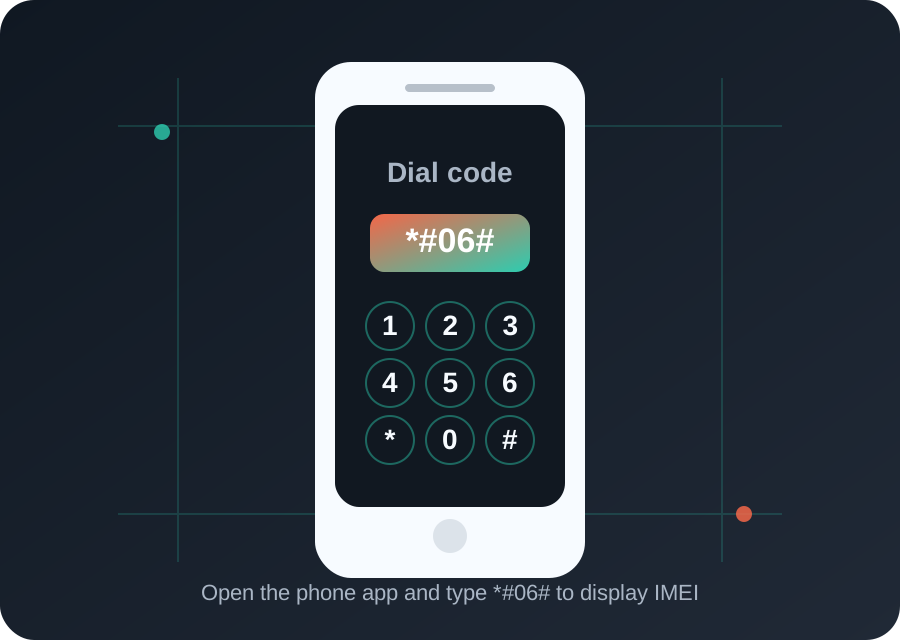
How can I find IMEI with the dial code?

Open the phone app and type *#06#. On most phones, the IMEI screen appears automatically without pressing the call button.

If your phone has dual SIM or eSIM support, the screen may show IMEI 1 and IMEI 2. Keep the one connected to the line or SIM slot you want to check.

Android phone settings screen in a user's hand

Where is IMEI in Android settings?

On many Android phones, go to Settings, then About phone, Status or SIM status. The exact wording depends on the manufacturer.

Samsung, Xiaomi, Motorola, OPPO and other brands may place the IMEI in slightly different menus, but the About phone section is usually the best starting point.

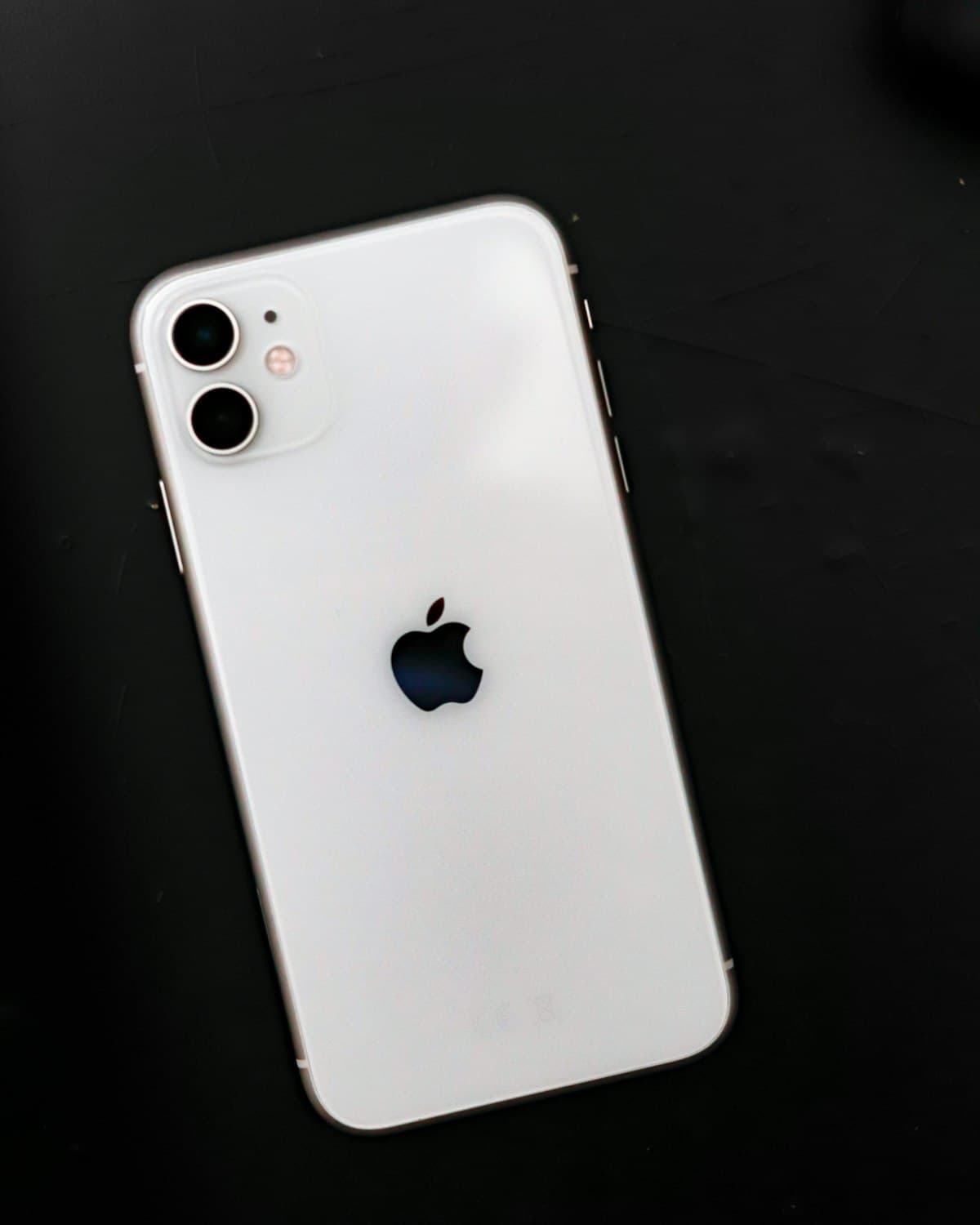
iPhone held in hand while checking device information

Where is IMEI on iPhone?

On iPhone, open Settings, then General, then About. Scroll until you see IMEI, IMEI2, MEID or related device identifiers.

Some iPhone models also show the IMEI on the SIM tray or the original box. Older models may have identifiers printed on the back housing.

Phone box and accessories on a table

Can I find IMEI without turning on the phone?

Yes. Check the original retail box, purchase invoice, SIM tray or label under the removable battery when the phone design allows it.

For a used phone, compare the printed IMEI with the number shown in settings. If the numbers do not match, verify the device carefully before buying.

SIM cards and smartphone showing dual SIM context

Why does my phone show two IMEI numbers?

Dual SIM and eSIM phones often have two IMEI numbers because each cellular line needs a separate equipment identity.

This is normal. When a carrier or service asks for an IMEI, use the number assigned to the SIM slot or eSIM profile you are activating or checking.

Laptop and phone with technical identifiers and account data

What is the difference between IMEI, IMEISV, MEID, ESN and ICCID?

IMEI identifies cellular equipment. IMEISV is a related identifier that includes a software version field. MEID and ESN are identifiers historically used with CDMA devices.

ICCID identifies the SIM card, not the phone hardware. A phone number identifies the subscriber line, while IMEI identifies the device.

Person using a laptop to secure an account after losing a device

What should I do if my phone is lost or stolen?

Contact your carrier as soon as possible and ask about blocking the device or SIM. Use Find My iPhone, Find My Device or the manufacturer account tools when available.

Keep the IMEI from your box, invoice or account records. It can help with carrier support, insurance claims and police reports.