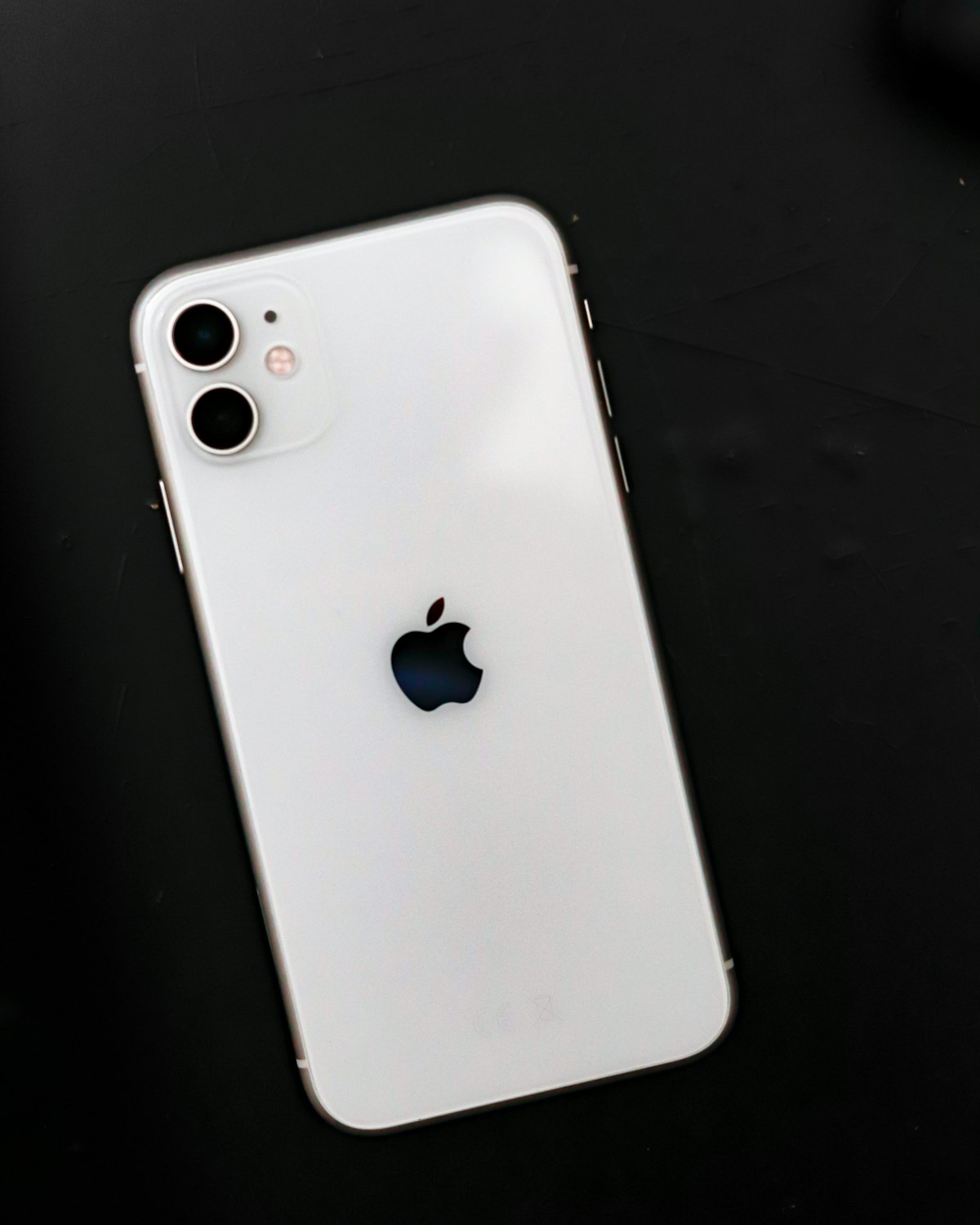
Start with identity, then inspect the phone
A used iPhone listing can look convincing while still leaving important questions unanswered. Is it the exact model advertised? Is it a regional variant? Has the logic board been replaced? An Apple IMEI Check gives you a useful identity baseline before you spend time judging battery health, cameras or cosmetic condition.
Enter the number from the iPhone itself, preferably from Settings or the device information screen. Run it through the IMEI check and compare the returned brand and model with the phone in your hand. If you only need to confirm the 15-digit format first, the IMEI calculator can catch a typing error, but a valid checksum is not proof that the phone is genuine or clean.
What to verify on an iPhone
- Model identity: the report should match the advertised iPhone family and the model information shown on the device.
- Carrier status: on the iPhone, check Settings > General > About and look for the Carrier Lock field. A report can add context, but the carrier controls the actual unlock.
- eSIM and SIM behavior: imported and dual-line devices may expose more than one IMEI. Use the identifier connected to the line you want to activate; the eSIM guide explains the distinction.
- Account status: an IMEI does not tell you whether the previous owner removed Activation Lock. Ask the seller to erase the phone and complete the setup screen in front of you.
Keep the report in context
IMEI identity, carrier lock, Activation Lock and physical condition are separate checks. The report guide helps translate provider fields, while the blacklist checklist explains why a clean-looking phone can still deserve questions about financing, theft reports or carrier records.
Also compare the IMEI with the box, invoice and the serial number when those records are available. A mismatch is not automatic proof of fraud because repairs can change parts, but it is a good reason to pause and ask for an explanation.
A better buying decision
The best used-phone purchase combines a verified identity with a hands-on test, a clear receipt and a seller who answers specific questions. For a second opinion, see the iPhone 13 resale review. Treat the IMEI check as the first filter that makes the rest of the inspection more honest, not as a promise that replaces the carrier, Apple or the seller.
Why this guide matters for IMEI decisions
A practical used iPhone checklist covering IMEI identity, carrier lock, eSIM readiness, account status and the limits of any lookup report. The practical value is that a user can move from a short device identifier to a better decision about buying, repairing, reselling or documenting a phone. A strong IMEI workflow reduces guesswork by connecting the number with brand, model family, report fields and the real-world situation in which the phone is being checked.
For search visitors, the important question is rarely theoretical. They usually want to know whether the phone in front of them matches the listing, whether a model code makes sense, what additional proof they should ask for, and which limits still require a carrier, seller or official support channel. This Apple & iPhone article should answer those questions directly.

Recommended verification workflow
- Validate the IMEI format first. Use the IMEI calculator or checksum validation before sending a lookup request. A malformed number can waste time and create false uncertainty.
- Compare identity fields. Check brand, model, model code, region hints and device type against the phone settings, seller listing, invoice or repair ticket.
- Separate identity from status. Model identification is not the same as blacklist, carrier lock, financing, warranty or account lock status. Treat each as a separate question.
- Keep evidence together. Save the report, date, seller messages, photos of the About screen and any carrier confirmation so the decision can be reviewed later.
Used properly, an IMEI lookup is a first filter. It should make the next inspection step clearer, not replace human review or official provider records.
Common mistakes to avoid
- Do not post a full IMEI publicly. Share it only with trusted lookup tools, carriers, repair providers or private buyer channels.
- Do not rely on screenshots alone. Ask for fresh device-setting photos or run the check again when the purchase risk is meaningful.
- Do not confuse a valid checksum with a clean device. A valid IMEI format only proves that the number is structurally plausible.
- Do not ignore model variants. Two phones with the same retail name can differ by region, carrier, SIM behavior or firmware path.

How this connects with the rest of IMEI.guru
This article fits into a broader verification path across IMEI.guru: IMEI check, how to read an IMEI report, IMEI.guru data sources, iPhone IMEI check, Apple device lookup. Internal links are useful because they let a visitor continue from the current topic into model lookup, report interpretation, status checks and practical buying guidance without starting over.
For SEO, that structure also matters. Search engines and AI answer systems can better understand the page when the article clearly explains the entity, the task, the limits of the data and the next relevant pages. A useful IMEI article should therefore be specific, internally linked and honest about uncertainty.
Bottom line
Buying a Used iPhone in 2026: What an IMEI Check Can Tell You is most useful when it helps the reader act carefully. Confirm the identifier, compare it with the physical device, understand what the report can and cannot prove, and use the related IMEI.guru pages to check the next question before money, repair work or resale documentation changes hands.